Edit Images with AI in WordPress
Transform your photos with simple text prompts. No Photoshop needed.
Install Free Plugin

How It Works
Three simple steps to AI-powered editing
Select any image in your Media Library
Choose any photo from your WordPress media library to edit with AI
Describe what you want to change in plain English
Type simple instructions like "remove background" or "add sunset sky"
Save the result or replace the original
Preview the AI-edited image and save it to your library in seconds
See What's Possible
Real examples of AI editing in action
 Before
 After
After
 Before
 After
After
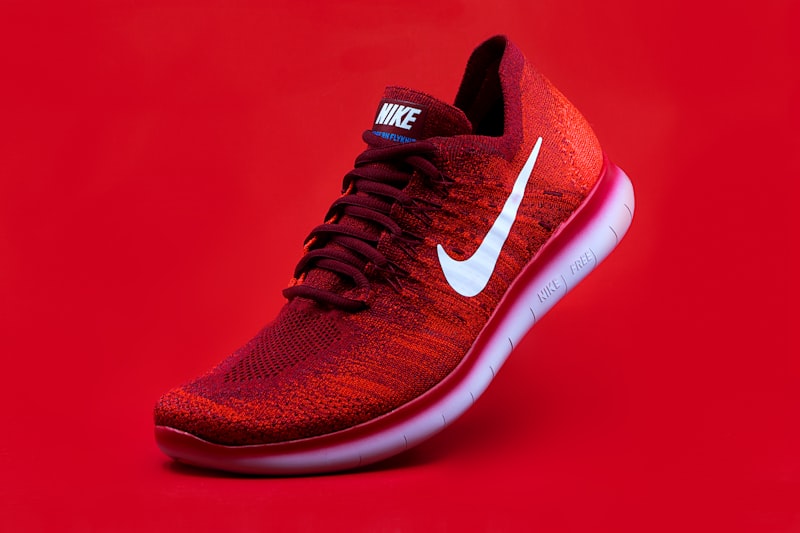 Before
 After
After
 Before
 After
After
Simple, Transparent Pricing
Start free, upgrade when you need more
Free
- 5 AI edits per month
- Access to all editing prompts
- 10-30 second processing
- WordPress Media Library integration
Pro
- 100 AI edits per month
- Priority processing
- Batch editing capabilities
- Advanced AI features
- Premium support
Powerful Features Built for WordPress
Works in WordPress Media Library
Seamlessly integrated into your existing workflow. Edit images right where you manage them.
Powered by FLUX Kontext Max AI
State-of-the-art AI technology delivers professional-quality results every time.
No API Keys Needed
Install and start editing immediately. No complex setup or configuration required.
10-30 Second Processing
Lightning-fast AI processing means you spend less time waiting and more time creating.
Ready to Transform Your Images?
Join thousands of WordPress users already editing with AI